Documentation
Gist
Statistics and AI digests over your captured content – counts, periods, activity, summaries. ⌘3.
Gist is the overview mode: what accumulated, when, and (on demand) an AI summary of it.
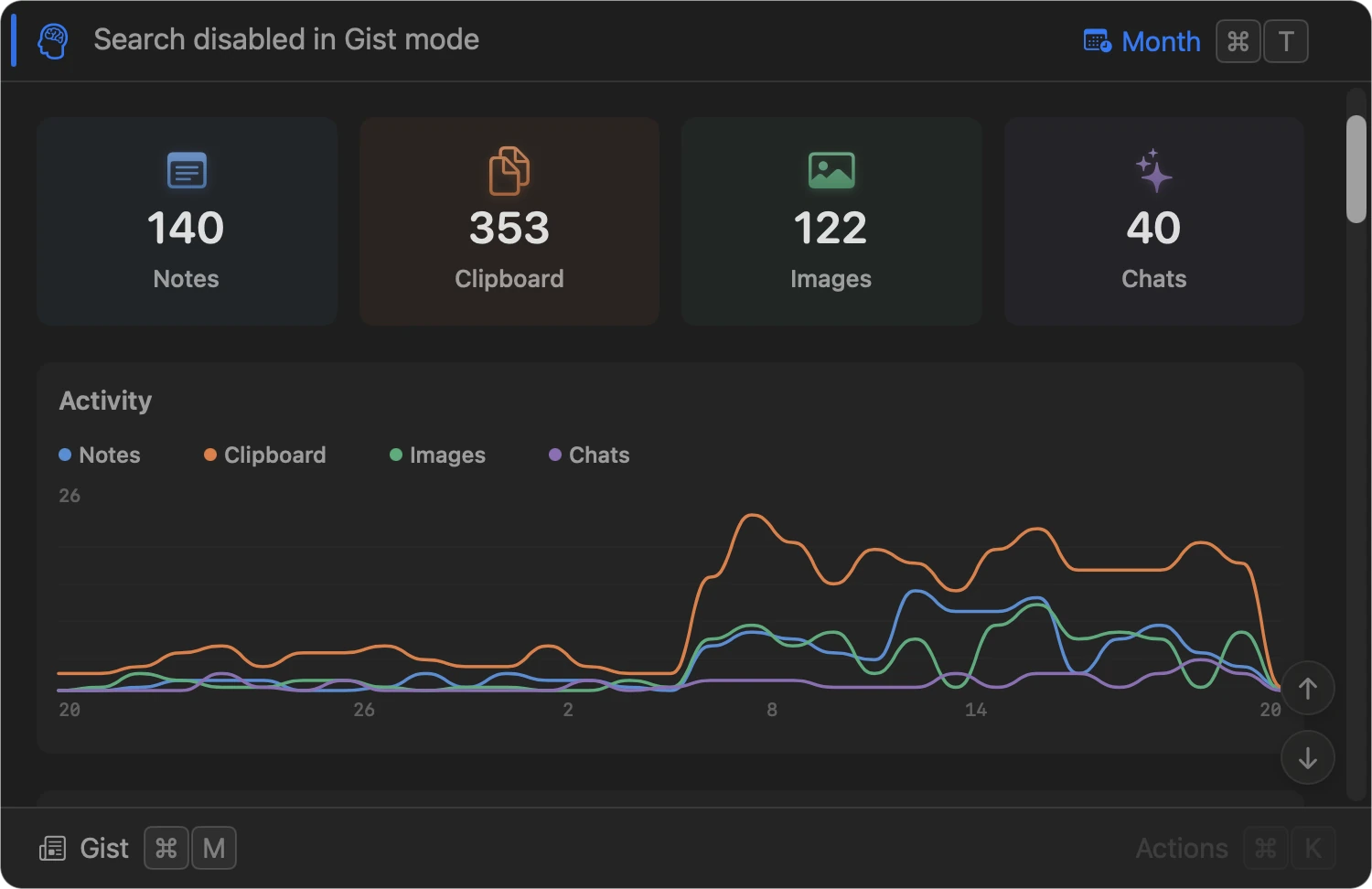
What it shows
- Counts by type: Notes, Clipboard, Images, Chats.
- Activity chart over the selected period.
- Periods, the same time filter as everywhere: All, Day, Week, Month (⌃ + number or ⌘ T).
Digest
Beyond the counts, Gist can generate an AI summary of everything captured in the selected period (notes, clipboard, images via their OCR text, and chats), grouped by theme.
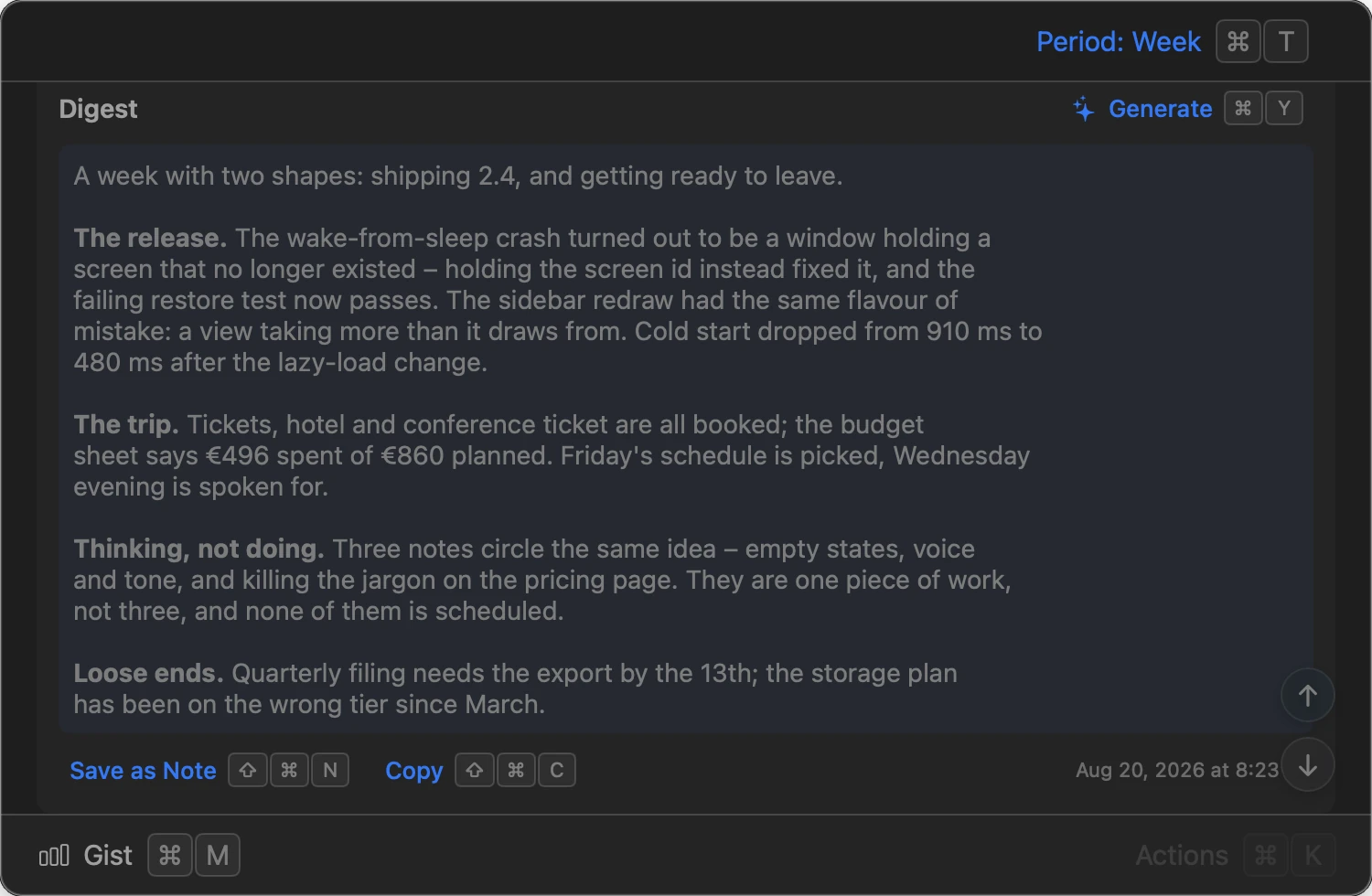
- Generate (⌘ Y) streams the digest in place; Esc cancels it mid-generation.
- Save as Note (⇧ ⌘ N) and Copy (⇧ ⌘ C) act on the generated digest.
- Requires AI to be configured in Settings → AI – otherwise Generate reports that instead of a digest.